25% off selected
Celebrate Chelsea
with showstopping plants for your garden




Head-turning additions to put on a dazzling show, justifiably worthy of a gold medal!
Loved by designers for their beauty and reliability year after year
25% off selected


25% off selected
25% off selected
New
25% off selected
25% off selected
25% off selected
New
25% off selected
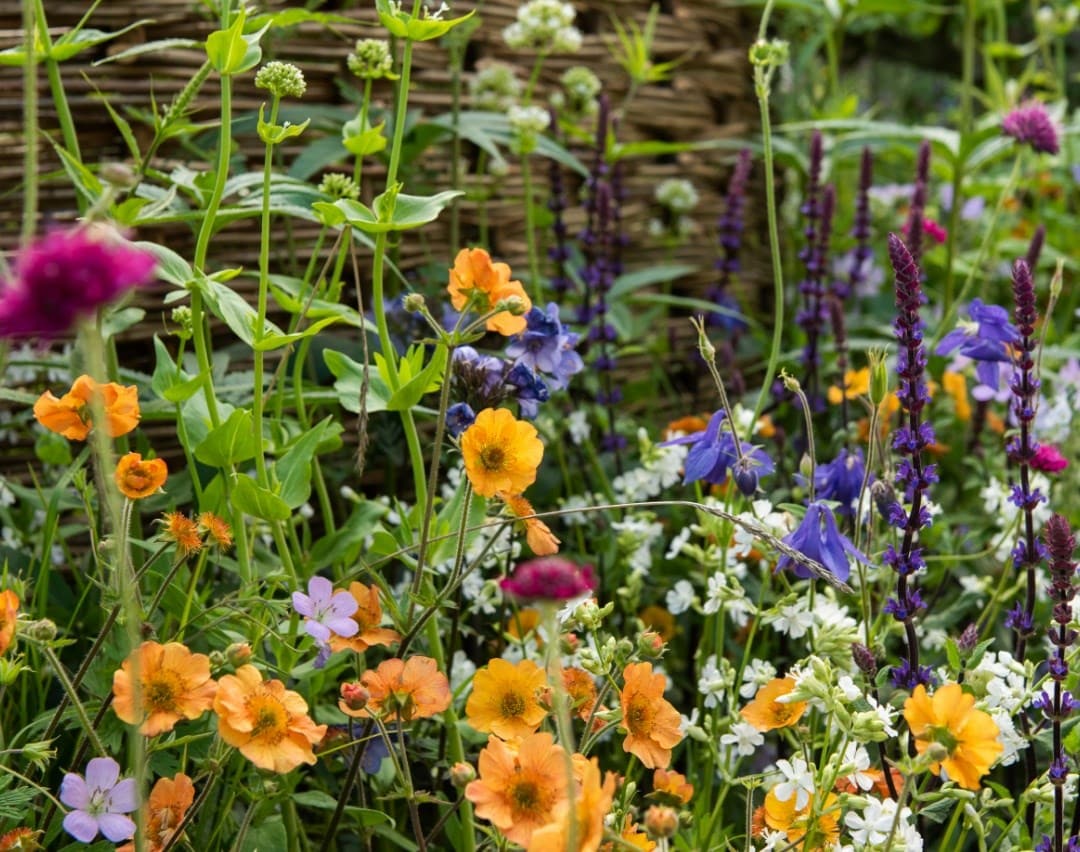
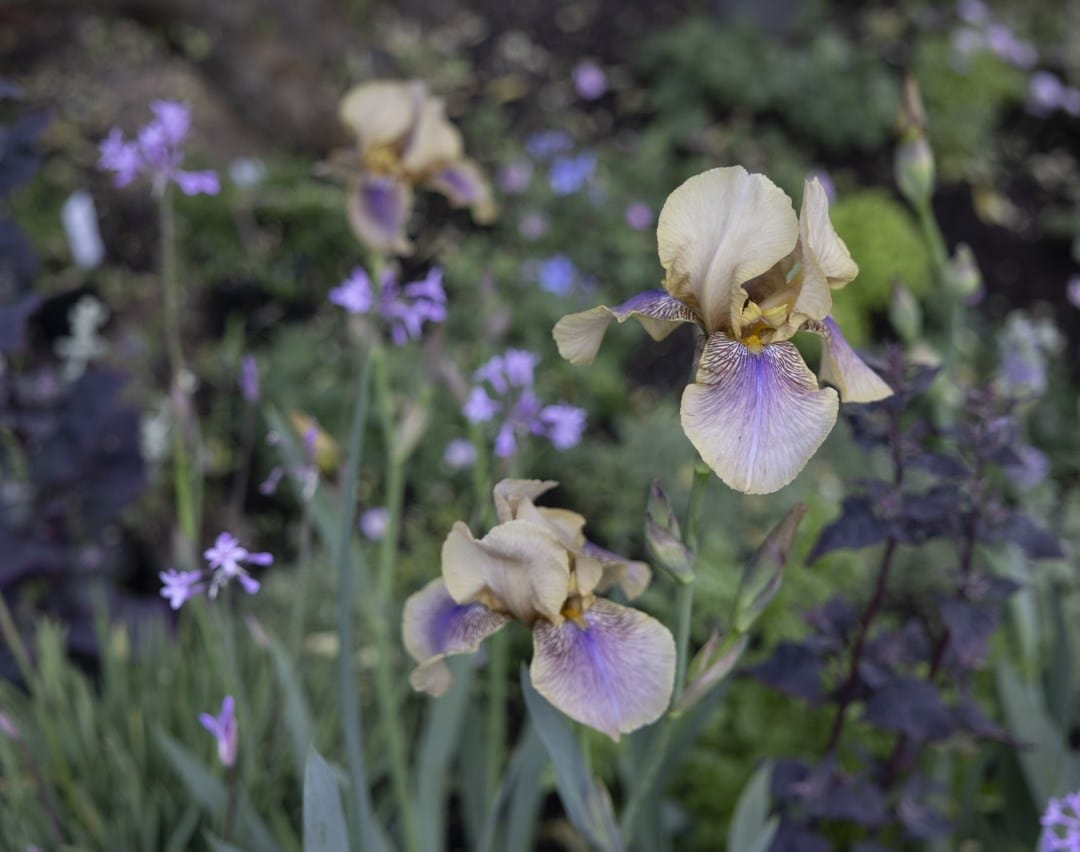
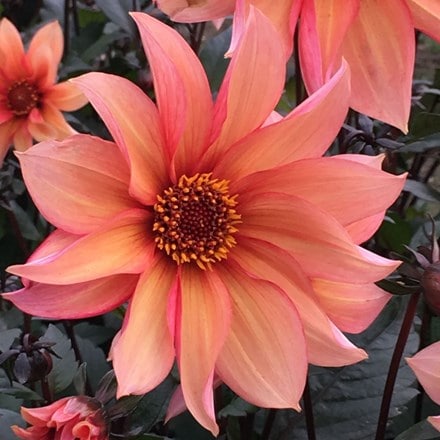
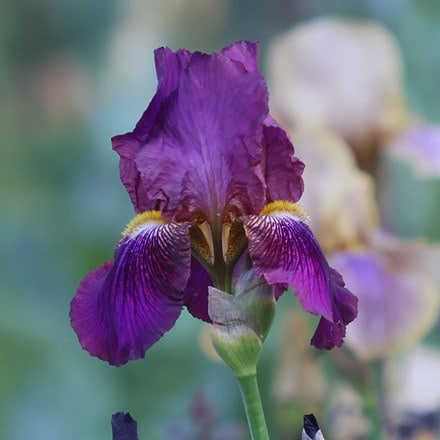
Discover our new exclusive border collections, each comprising a series of plant combinations for you to create your own dream garden. Choose from the Classic Cottage collection, designed by Pollyanna Wilkinson, or the Chelsea Collection inspired by Sarah Price's 2023 award winning Chelsea garden. Pick and mix to create your own unique combination. Whatever you go for it is sure to have the designer edge.
30% off selected

Outdoor Living
Fire pits10% off selected
Tool Shed
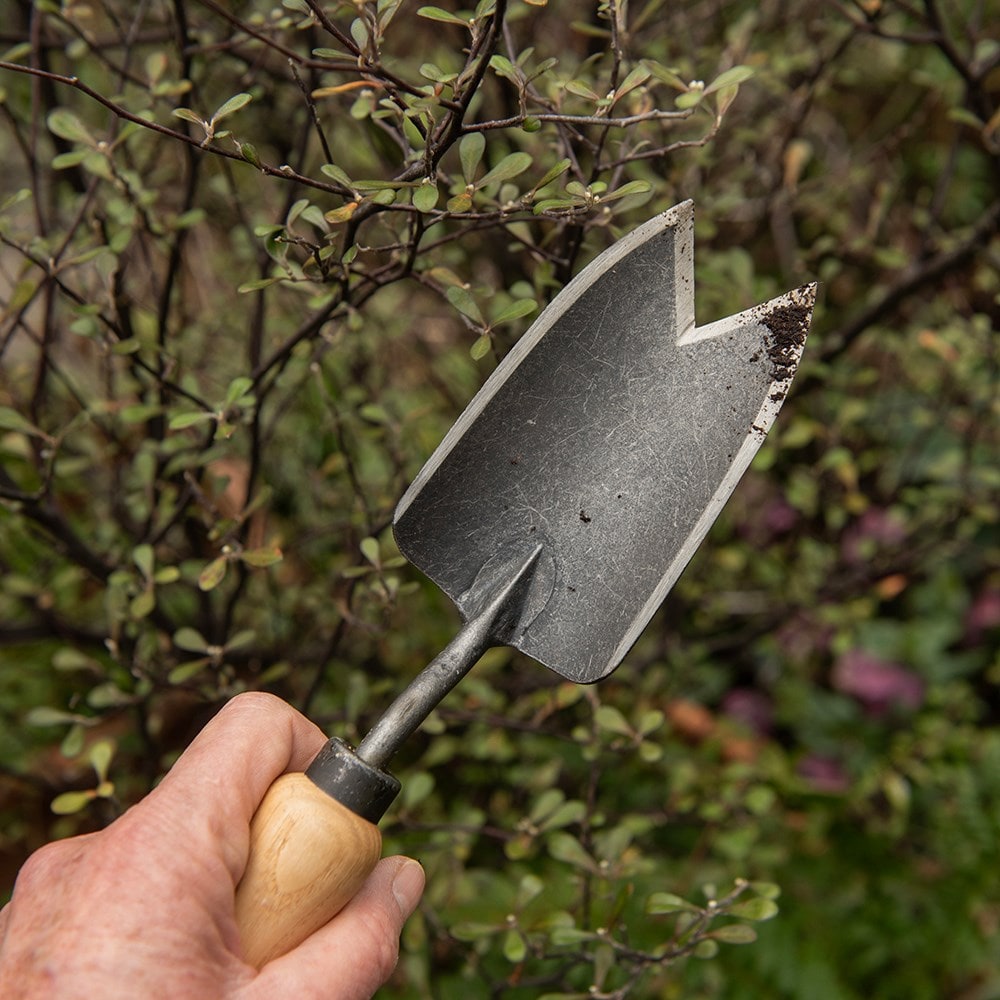
Garden tools15% off selected
Tool Shed
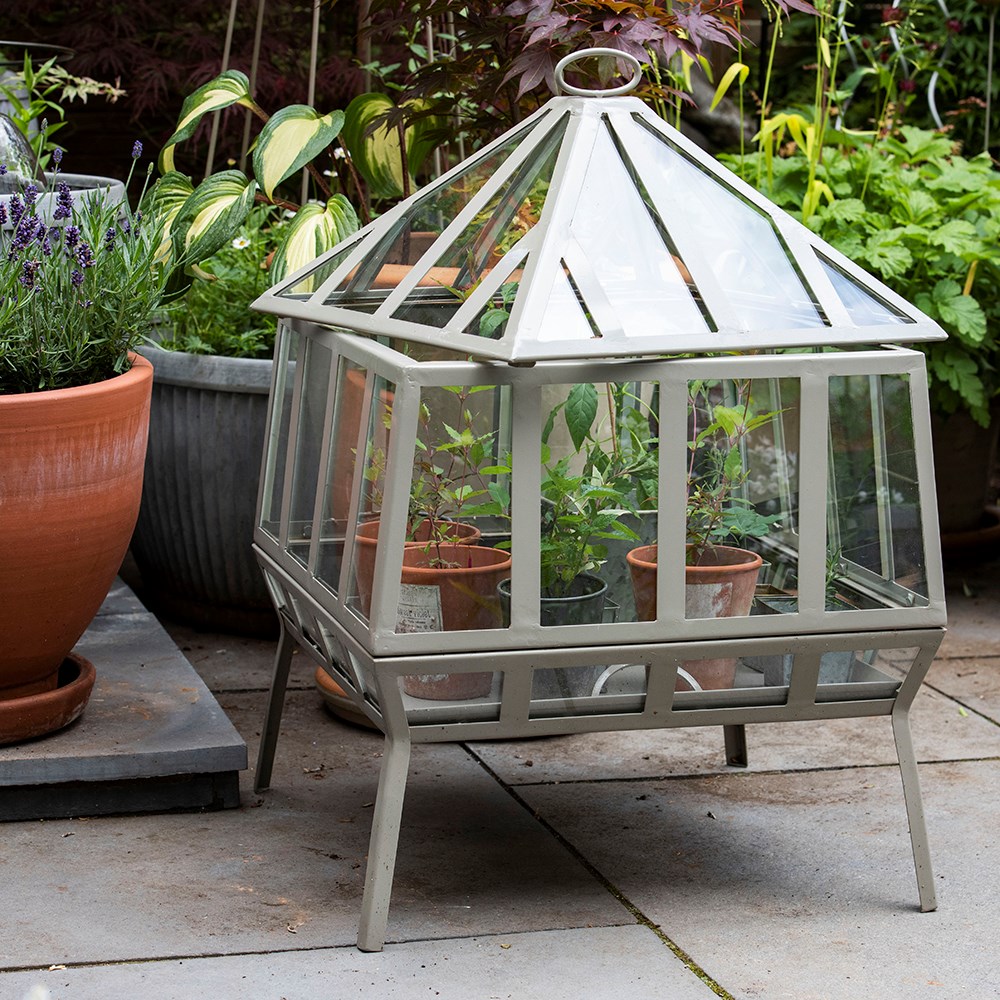
Cold frames & growhouses15% off selected
Outdoor living
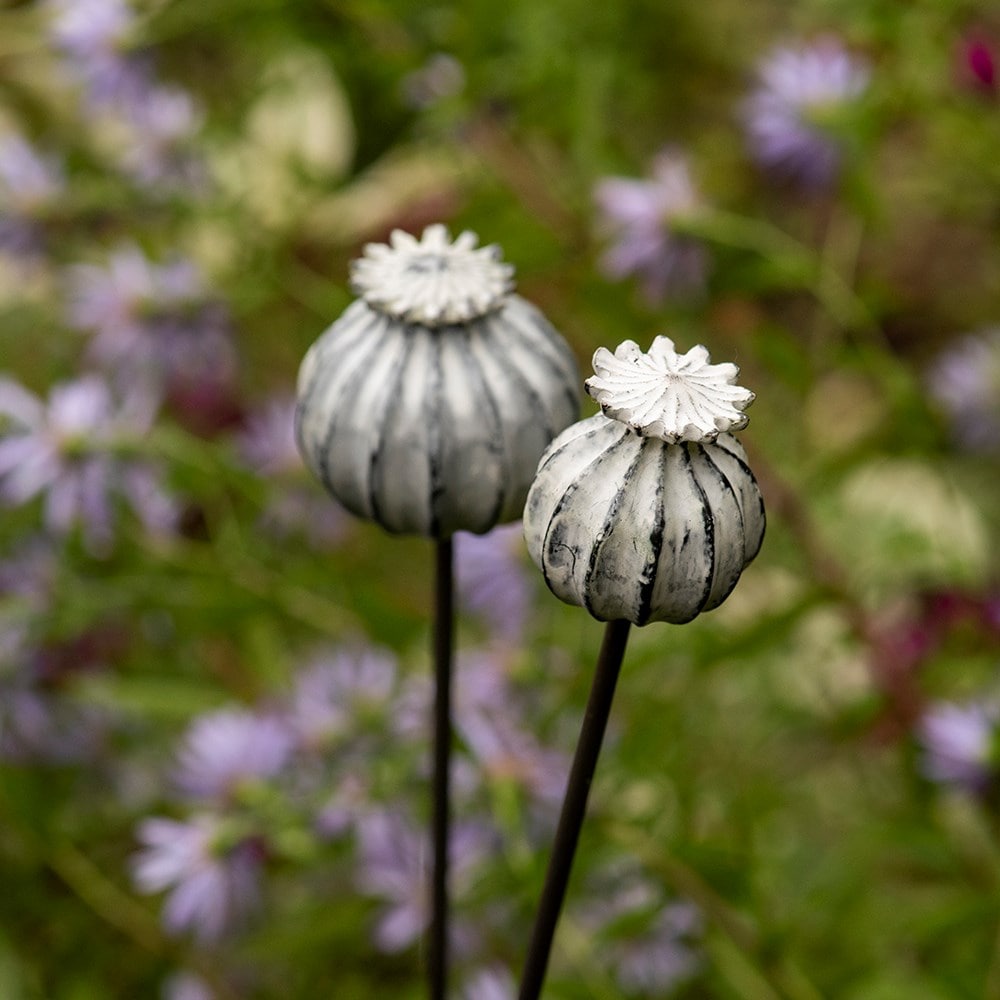
Ornaments15% off selected
Outdoor living
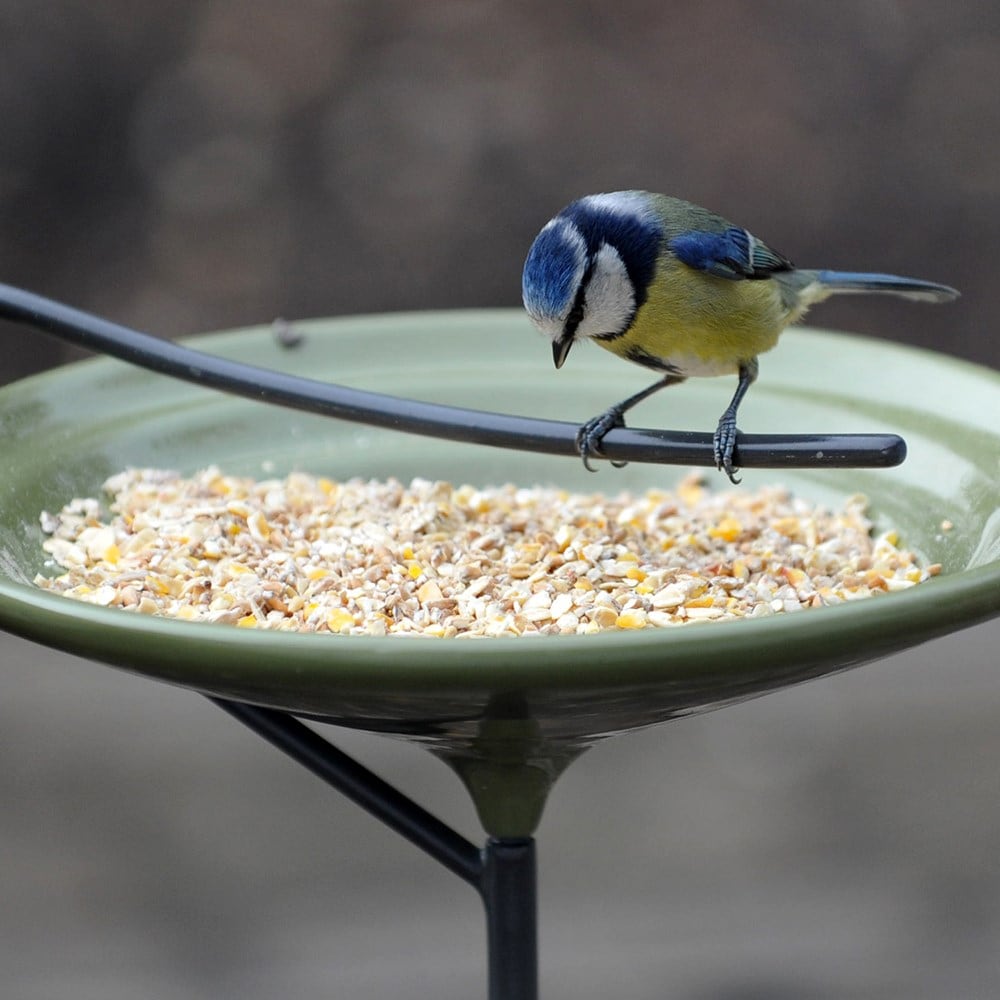
Bird feeders15% off selected
Outdoor living
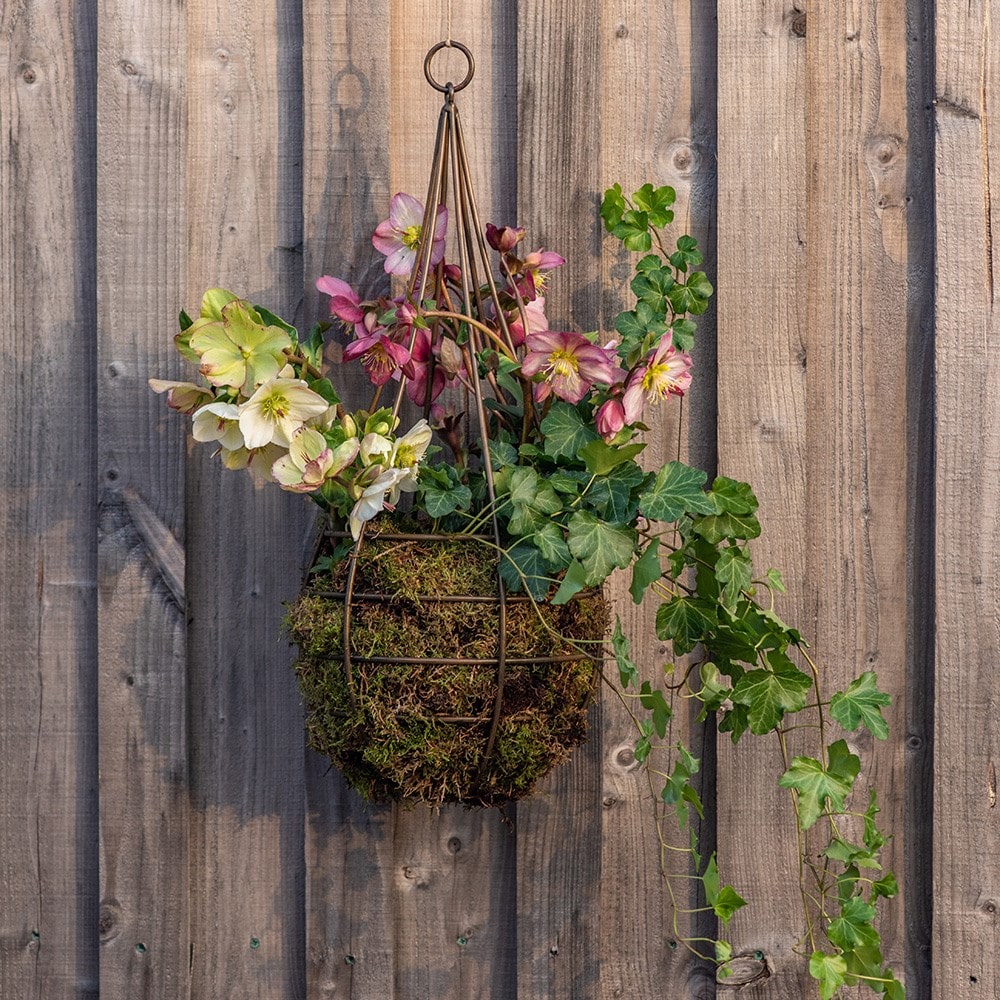
Hanging baskets15% off selected
Tool Shed
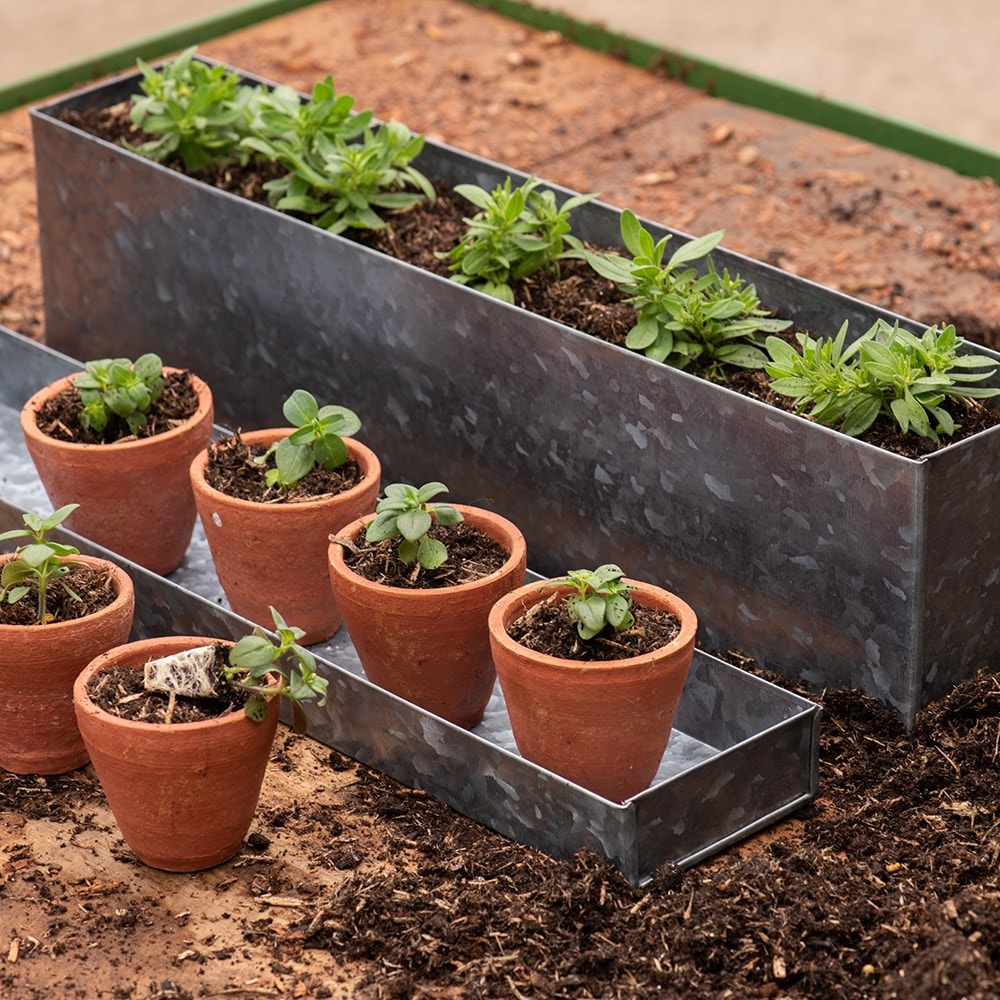
Potting & propagating10% off selected
Outdoor living
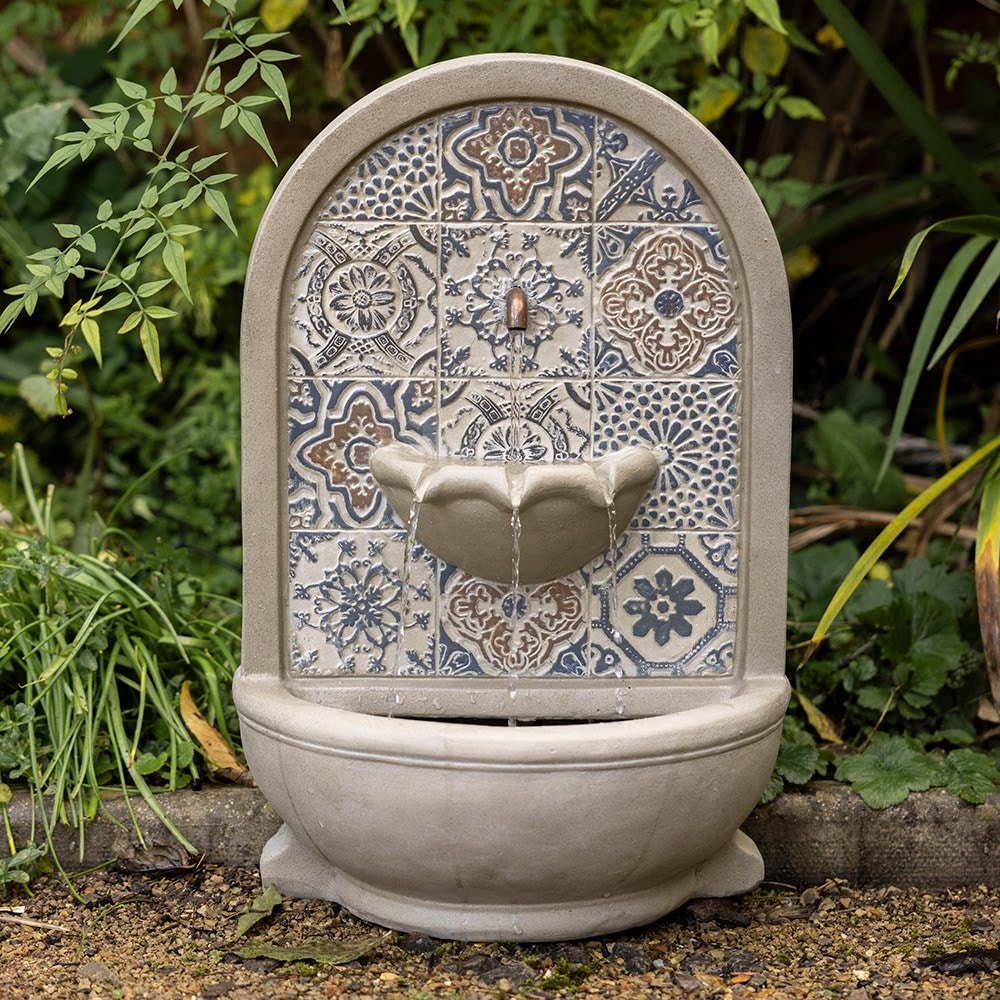
Water features10% off selected

Outdoor living
BBQs & pizza ovens15% off selected
Outdoor living
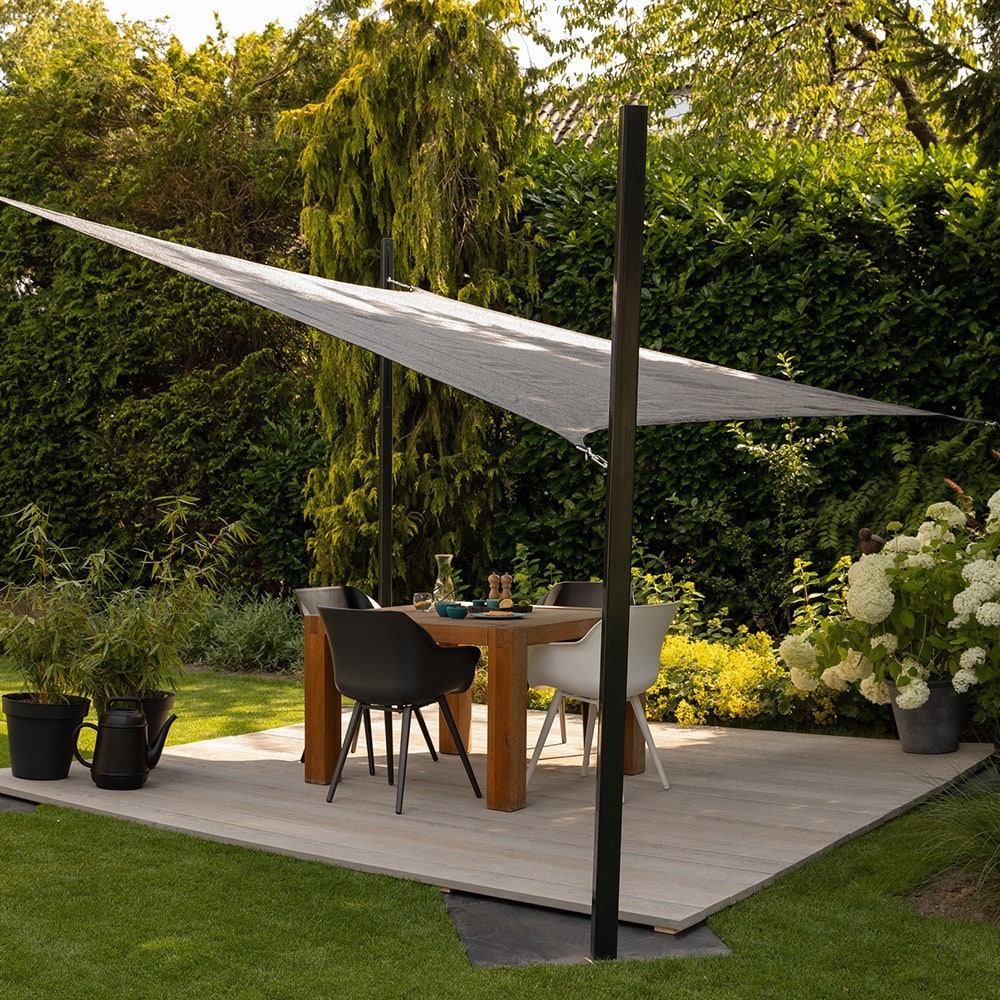
Parasols & sail shades10% off selected
Tool Shed
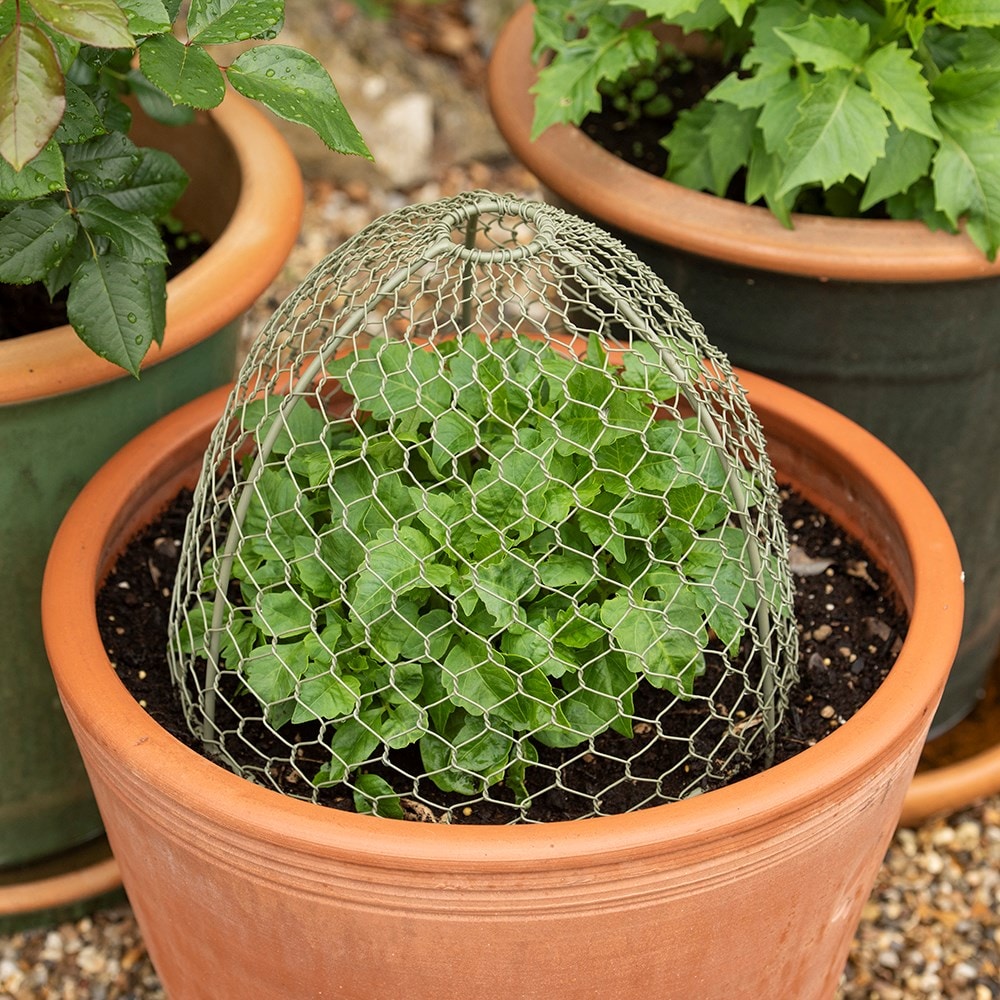
Cloches

With the highest Trustpilot score from over 50,000 customer reviews, we're proud to be the most trusted online gardening brand.


We grow plants for the country's leading Gardening Designers, as well as partnering with them to build their gardens at Chelsea each year.


We've been changing the way we working over the last five years, to drive sustainability.
Rewards
Treat a friend to £10 off their first order and get £10 off your next order*

Mind body & soil
An extra special Chelsea Flower Show box designed by Hazel Gardiner. We are looking to bring you a slice of the show with an extravagant houseplant, dried flower arranging kit and some huge partnerships. Use code: CROCUS40 for 40% off.

We've put twenty years of experience into one free app


Be the first to hear about exclusive promotions, news and updates. Sign up for the first time and save 10% on your next order*.
*Applies to full-priced items only.
Crocus launched in April 2000 and has grown into the UK's largest gardening website, offering a huge range of over 6,500 plants, together with the tools that make it easy for gardeners of all levels to find everything they need in one place.
As experts in their field, Crocus grows plants for show gardens at the RHS Chelsea Flower Show and has worked with 20 of the country's leading designers to secure 31 gold medals. Crocus also works with garden designers, such as Luciano Giubbilei, Tom Stuart Smith and Dan Pearson, to create some of the world's most celebrated gardens. This collaboration process has allowed Crocus to constantly evolve its plant palette to offer the most extensive plant range, always featuring the latest trends.